
Play VegasNow on mobile anytime. Enjoy slots, live casino games, and smooth performance across smartphone and tablet devices.
VegasNow Casino gives players a complete mobile gaming experience through the browser on any smartphone or tablet they already own. The full slots catalogue, live casino section, account management tools, payment functions, and responsible gambling controls are available through the mobile browser on iOS and Android without any download or installation required before access opens. The mobile platform at VegasNow is not a feature-limited companion to a desktop product — it is the same complete casino environment with touch interaction treated as the primary operating context rather than a secondary consideration. For a full overview of the VegasNow Casino experience, visit the VegasNow Homepage.
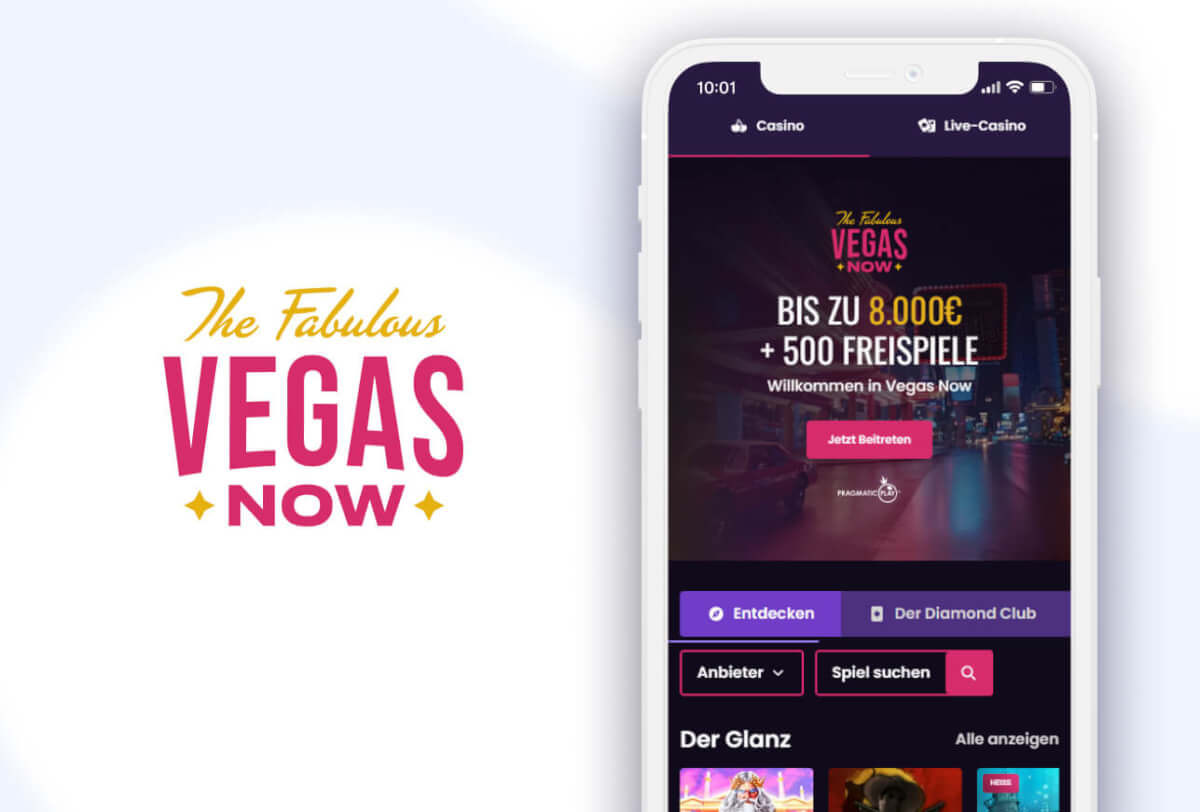
VegasNow Casino is accessible through the browser on all standard iOS and Android devices without device-specific setup or account adjustments to enable full mobile access. iPhones and iPads connect through Safari, Android smartphones and tablets through Chrome and other standard Android browsers, and in both cases the platform delivers a complete and correctly rendered mobile-optimised interface. The VegasNow interface adjusts automatically to the screen dimensions and current orientation of the device being used — portrait and landscape modes both render correctly without requiring any manual adjustment from the player.
The full game catalogue available on desktop is equally available through the mobile browser. No slots are excluded from mobile access, no game categories require a larger screen to play, and no account functions are unavailable on mobile. Players who switch between desktop and mobile at different points in the day find the same account, the same balance, the same active bonuses, and the same complete catalogue on whatever device they open VegasNow on next — no synchronisation steps, no version differences between access methods.
Tablet players experience a version of the VegasNow mobile platform that benefits meaningfully from the larger screen area. The game lobby has more visual space to work with, live casino streams are more immersive on a bigger display, and in-game controls have additional room that reduces precision pressure relative to a smaller smartphone screen. For players whose primary access device is a tablet, VegasNow on that screen substantially narrows the quality and comfort gap between mobile and desktop play.
The VegasNow mobile platform is built from a starting point of touch interaction as the primary and natural operating mode — not adapted from a desktop interface for which mouse-driven interaction was always the design context. Every control, navigation element, and in-game function in the VegasNow mobile environment reflects that priority. Controls are sized for finger input. Navigation follows touch-first patterns. The game lobby presents the full catalogue in a format that is as easy to use on a compact smartphone as on a wide desktop monitor without requiring magnification or scrolling to reach standard functions.
Full account management is available within the VegasNow mobile environment without any gaps or limitations. Making deposits, requesting withdrawals, reviewing transaction history, monitoring bonus progress, adjusting responsible gambling settings, and accessing customer support are all available within a single mobile browser session without any need to switch to a desktop device. Live casino streams maintain stable quality and real-time responsiveness over standard mobile data connections — the live section is genuinely usable and comfortable on mobile rather than a feature that technically operates on a phone but performs poorly without fixed broadband. The platform is also built to handle the brief signal drops that occur in normal mobile use without disrupting active sessions or generating unintended game actions.
Every game in the VegasNow Casino catalogue is available on mobile through the browser without restriction. Every slot title, every live casino table and game show format, and every software table game accessible from a desktop device is equally accessible through the mobile browser.
Slots are a natural fit for the VegasNow mobile environment because modern slot titles are developed with touch interaction as their primary intended input method from the start of production rather than applied as an afterthought to a desktop-first design. Spin controls, bet adjustment tools, paytable navigation, auto-spin configuration, and all interactive bonus round elements are sized and positioned for natural finger input from the outset — the mobile slot experience at VegasNow feels like the context the game was built for rather than a translation from a different operating environment. Classic three-reel slots with their clean, immediate pace, feature-rich video slots with multi-stage bonus sequences and elaborate thematic environments, Megaways titles with dynamic variable reel configurations, and progressive jackpot slots with growing networked prize pools all perform on mobile with the same functional completeness and visual quality as their desktop equivalents.
The VegasNow live casino is fully available on mobile with professional dealer streams in high definition delivered directly through the browser. Blackjack across multiple variants, roulette, baccarat, and live game show formats are accessible over mobile data with stable performance. Bet placement, chip selection, and all in-game interaction elements work naturally through touch throughout live sessions.
VegasNow Casino applies the same security standards to mobile access as to desktop — there is no differentiation in the protection applied based on how the platform is reached. Every connection between a player’s mobile device and VegasNow is secured by SSL encryption regardless of the network being used to establish the connection. Login credentials, personal information, and all financial transaction data are encrypted in transit and inaccessible to any unauthorised party through any connection type.
All games in the VegasNow mobile catalogue use the same certified random number generator technology that governs the desktop platform, verified through ongoing independent testing by specialist external agencies. The mobile platform carries no reduced standard for game integrity — players on mobile engage with the same independently confirmed randomness as those playing on desktop. Session monitoring operates continuously throughout all mobile sessions, running in the background to identify unusual account activity without adding any visible friction to the experience.
Responsible gambling tools — deposit limits, session time controls, cool-off periods, and self-exclusion — are all available within mobile account settings and can be configured or adjusted directly from a smartphone or tablet without any need to access the platform from a desktop device. VegasNow is also engineered for practical efficiency on mobile devices, balancing full feature delivery against battery and data consumption during extended sessions.
VegasNow Casino requires no download and no installation for mobile access. The full platform is available through the mobile browser immediately. Follow these steps to begin:
For players who want faster access on return visits, the VegasNow website can be saved to the home screen of an iOS or Android device. On iOS, tap the Share button in Safari and select Add to Home Screen. On Android, tap the three-dot menu in Chrome and select Add to Home Screen. The icon that results opens VegasNow directly and functions identically to a native app shortcut without occupying device storage or requiring any App Store or Play Store download. To sign in or register as a new player, visit the VegasNow Login page.
VegasNow Casino is fully accessible through the mobile browser on iOS and Android devices without a separate app download. The complete game catalogue, live casino, and all account management tools are available through Safari on iOS and Chrome on Android. Players can save VegasNow to the device home screen for single-tap access that works identically to a native app icon without using device storage.
Yes. The complete VegasNow game catalogue is available on mobile without restriction. Every slot title, live casino table, and software table game accessible on desktop is equally accessible through the mobile browser with the same functional completeness and visual quality.
Yes. SSL encryption protects all connections between mobile devices and VegasNow regardless of network type. All games use certified random number generator technology independently verified by specialist external agencies. Session monitoring is active throughout all mobile sessions and responsible gambling tools are available directly within mobile account settings.
No. VegasNow Casino runs entirely through the mobile browser and requires no download or installation. The complete platform is accessible through Safari on iOS or Chrome on Android immediately. Saving VegasNow to the device home screen creates a quick-access shortcut for future visits without using device storage.
Yes. VegasNow Casino is fully compatible with iOS devices including iPhone and iPad via Safari, and with Android smartphones and tablets via Chrome and other standard Android browsers. The complete game catalogue is available across both operating systems without device-specific configuration.


